
Extract design tokens from any website, ready for Figma
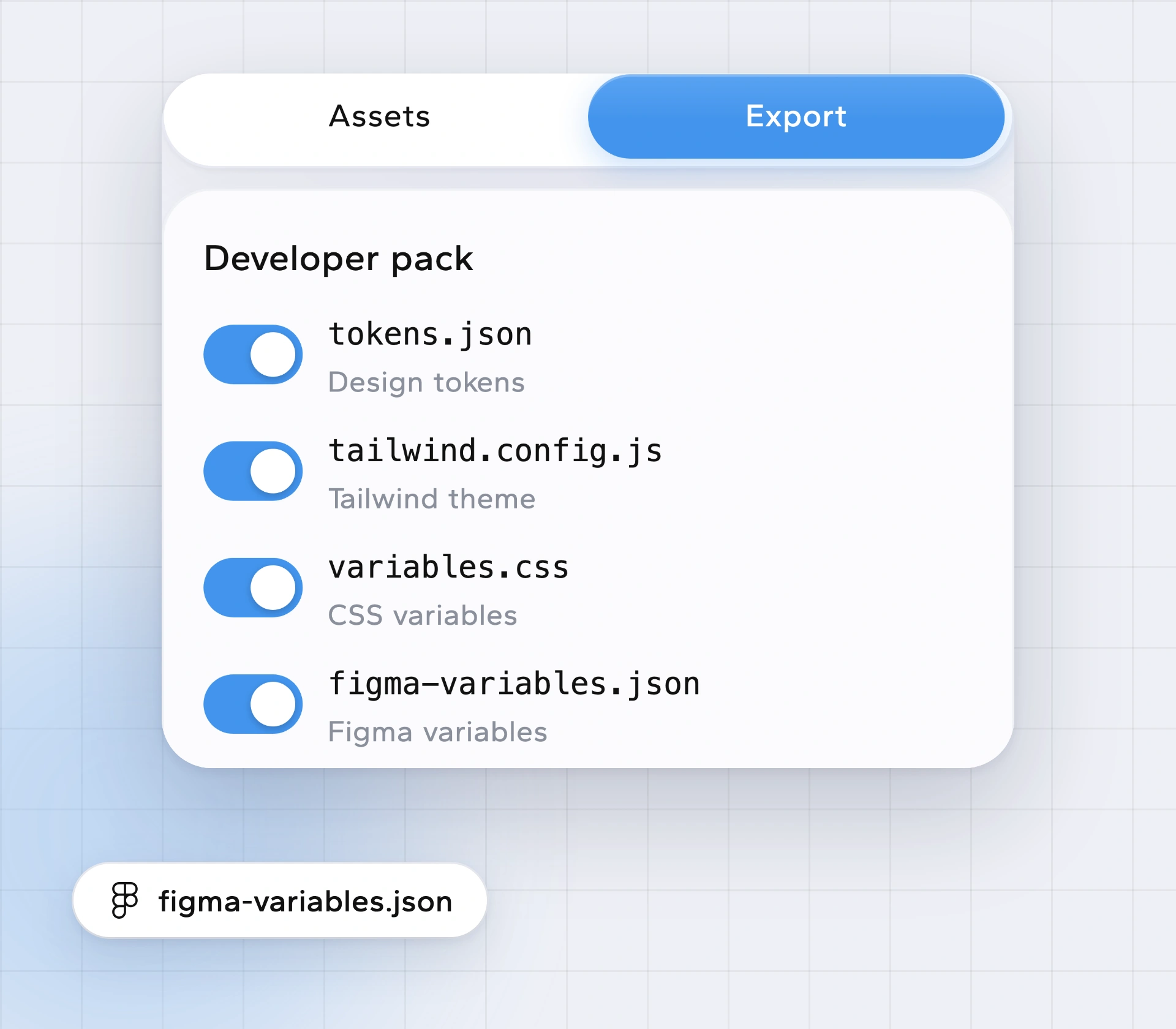
Designers and developers often need the same values in two places. Borrowstyle reads a live website once and gives you tokens.json and figma-variables.json with the same colours, type, spacing, corners and shadows your code files use.
Tokens, not layers
Some tools copy a page into Figma as frames and layers. Borrowstyle does something different: it gives you the system underneath, as variables you can reuse in your own designs. If you want layers, a page-to-Figma converter is the better tool; if you want a consistent palette and type scale, tokens are.
What's in the tokens
- Colours by role (primary, surface, text, border, accent).
- Type styles: family, size, weight, line height.
- Spacing steps, corner radius, shadows.
One source for design and code
The same read also produces tailwind.config.js, variables.css and a shadcn theme (Tailwind config) and a DESIGN.md for AI tools (DESIGN.md for Claude Code). Designer and developer start from identical numbers.
How to get Figma variables from a website
Open the website.
Click the icon to read the design.
In Take, download figma-variables.json (or tokens.json).
Import it into Figma with your variables import plugin of choice.
Questions
Do I need a Figma plugin from Borrowstyle?
No. Borrowstyle is a browser extension; the JSON file is what you bring into Figma.
Is it free?
Reading the design is free. The full developer pack is Pro, $5 a month or $39 once.
Can I change the colours before exporting?
Yes, with Make it yours (Pro).
Keep reading
Borrow the system, not the brand.
Free to use. Pro from $5 a month or $39 once. Works in Chrome, Edge, Brave and Arc.