
Borrowstyle vs CSS Peeper
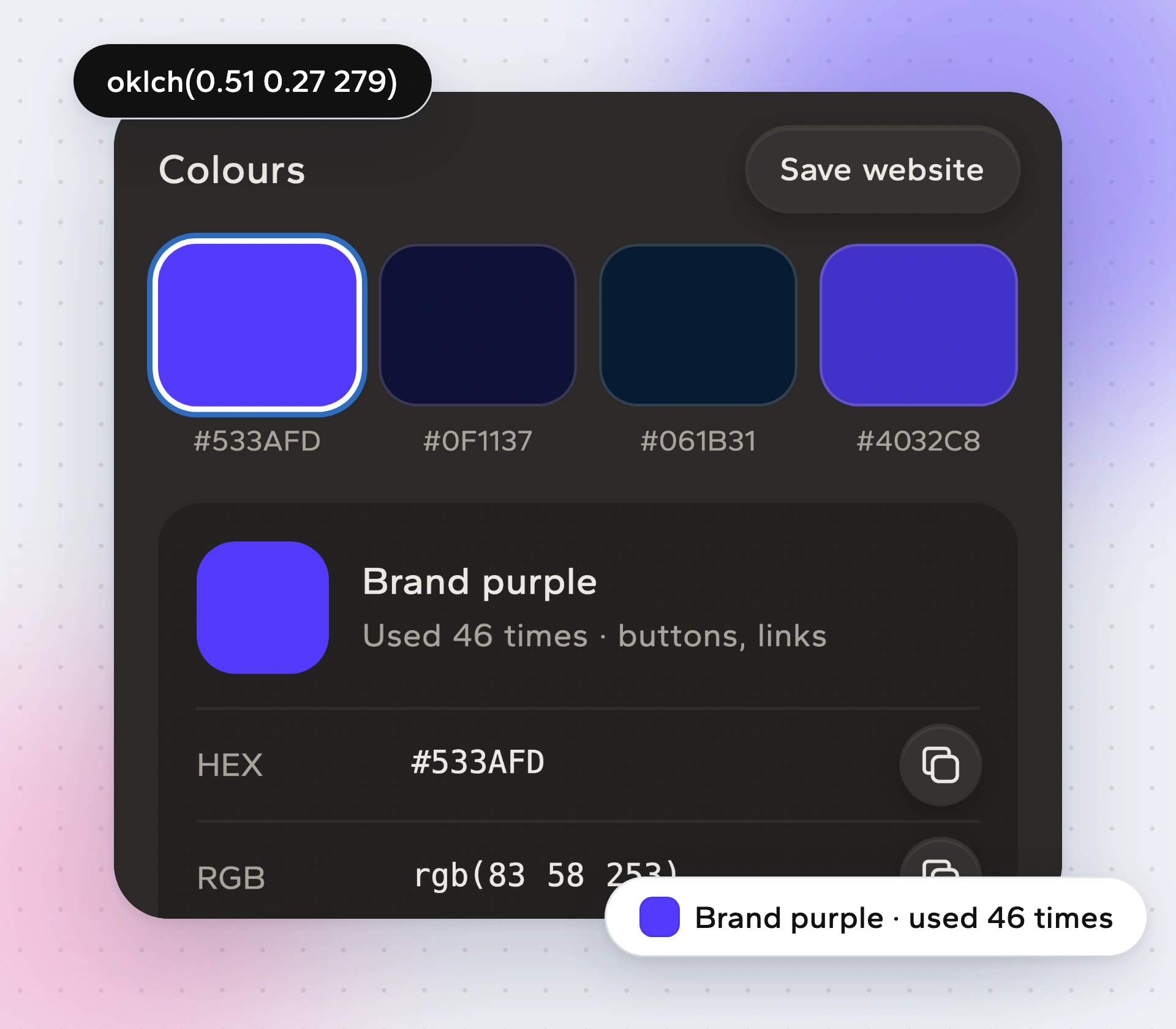
CSS Peeper is a well-loved tool for looking at a page's colours, fonts and assets without opening DevTools. Borrowstyle starts from the same idea and goes one step further: it turns what it reads into files your AI tool, your code and Figma can use.
Side by side
| Borrowstyle | CSS Peeper | |
|---|---|---|
| See colours and fonts | Yes, with colour roles and share of page | Yes |
| Click an element for its styles | Yes, Pick with measurements | Yes |
Only features we could confirm are listed. Check the CSS Peeper store page for its latest features.
When CSS Peeper is enough
If you just want to peek at a colour or a font while browsing, CSS Peeper does that cleanly.
When Borrowstyle is the better fit
- You're building with an AI tool and want it to follow a real design.
- You want the whole system (type scale, spacing, corners, shadows) as files, not values copied one by one.
- You want to adapt the design to your brand and check your build against the source.
How to try it
Open any site.
Click the icon to see fonts, colours, spacing and parts.
Hover text for its font, click any element with Pick.
Press Copy for AI or take the files you need.
Questions
Is there a free CSS Peeper alternative?
Borrowstyle's core is free: reading sites, Pick, colours, fonts, Copy for AI and DESIGN.md.
Do I need an account?
No.
Does it work on logged-in pages and localhost?
Yes, it reads whatever is open in your tab.
Is my data sent anywhere?
No page content is sent to us.
Keep reading
Borrow the system, not the brand.
Free to use. Pro from $5 a month or $39 once. Works in Chrome, Edge, Brave and Arc.