
Get a Tailwind config from any website
You found a site whose look is right: the type sizes, the soft corners, the calm greys. Rebuilding that by hand means opening DevTools, copying one value at a time and guessing the rest. Borrowstyle reads the page in your tab and writes a tailwind.config.js, a variables.css and a shadcn theme from what the browser actually drew. Borrow the system, not the brand.
What goes into the config
- Colours with roles. Primary, surface, text, border and accent, named by the job they do on the page, not just a list of hex codes.
- Type scale. Every text style with size, weight and line height, so
text-xlmeans what it meant on the source page. - Spacing. The spacing steps the site really uses, so your padding and gaps land on the same rhythm.
- Corners and shadows. Border radius and box shadows as named tokens.
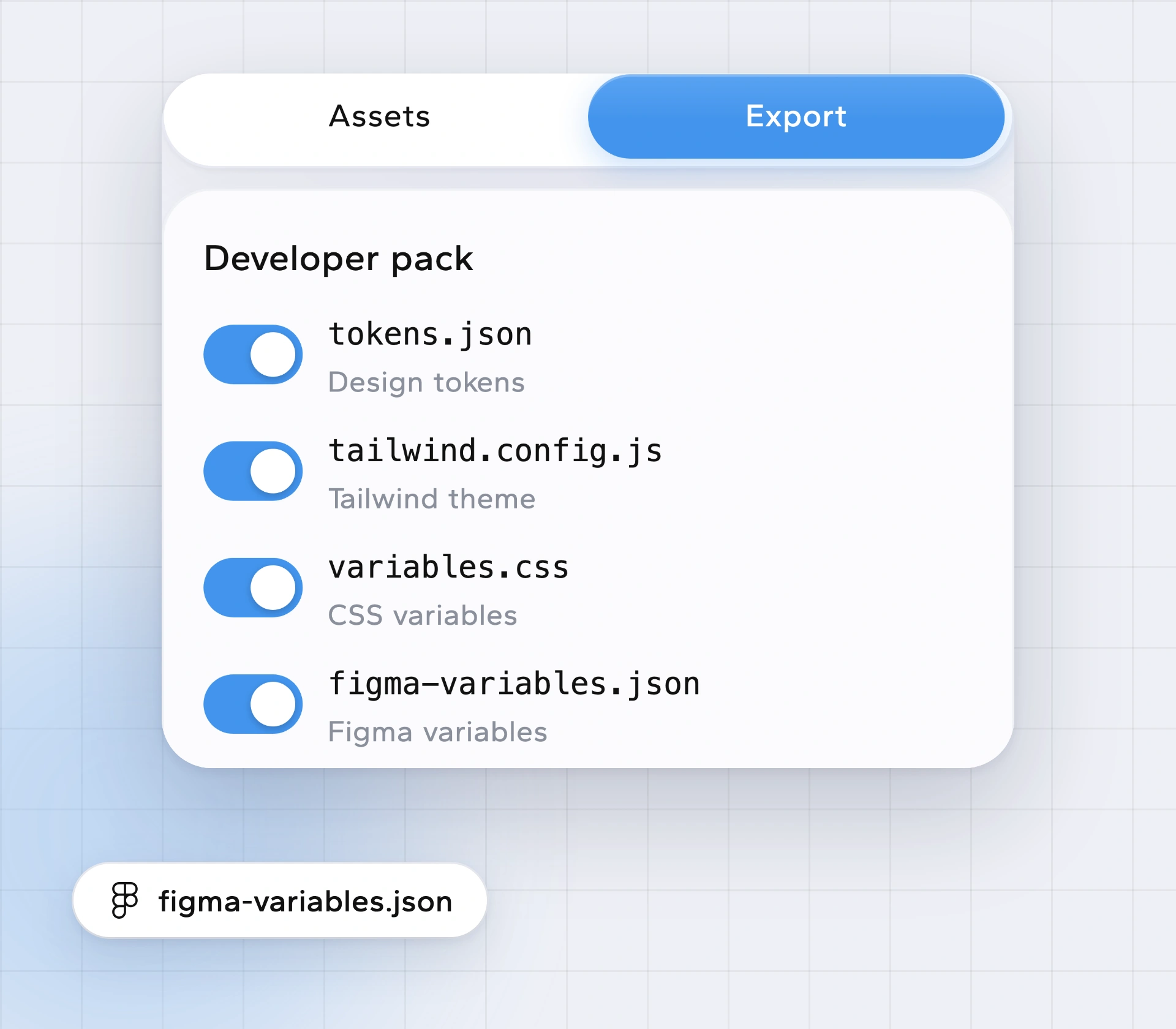
Tailwind, CSS variables or shadcn: pick your file
You get all of them from the same read, so you don't have to choose up front:
tailwind.config.jsfor a Tailwind project.variables.csswith a:rootblock for plain CSS or any framework.- A shadcn theme you can drop into
globals.css. tokens.jsonandfigma-variables.jsonif a designer needs the same values (design tokens for Figma).
The full developer pack with every file in one go is Pro. Reading the site, colours, fonts and DESIGN.md are free.
Use it to learn the feel, then make it yours
The point is to get the spacing and type right, not to ship someone else's brand. With Make it yours (Pro) you swap in your own colours and fonts before you export, and Borrowstyle names a free stand-in when the source uses a paid font. Logos, images and text stay with their owners.
How to get a Tailwind config from a website
Add Borrowstyle to Chrome (also Edge, Brave, Arc).
Open the site you like. Signed-in dashboards and localhost work too.
Click the Borrowstyle icon. It reads fonts, colours, spacing, corners and shadows.
Open Take and download tailwind.config.js (or the shadcn theme, or variables.css).
Drop it into your project, or hand it to your AI tool with Copy for AI.
Questions
Will it work on sites that don't use Tailwind?
Yes. It reads the page as the browser drew it, so the source can be any stack: React, Vue, plain HTML.
Is anything sent to a server?
No page content is sent to us. The only network call is checking a Pro licence key, if you have one.
Can I get the CSS for one button?
Yes. Click it with Pick for its measurements. Component code as HTML, Tailwind, React or CSS is Pro.
Is it free?
Reading a site, Pick, colours, fonts, Copy for AI and DESIGN.md are free. Pro is $5 a month or $39 once. See pricing.
Keep reading
Borrow the system, not the brand.
Free to use. Pro from $5 a month or $39 once. Works in Chrome, Edge, Brave and Arc.