
Download
Download Borrowstyle for Chrome
Version 0.7.0 · 451 KB · also works in Edge, Brave and Arc.
1
Unzip the file
Double-click borrowstyle-latest.zip in your Downloads. You get a Borrowstyle folder. Keep it somewhere it won't be deleted.
2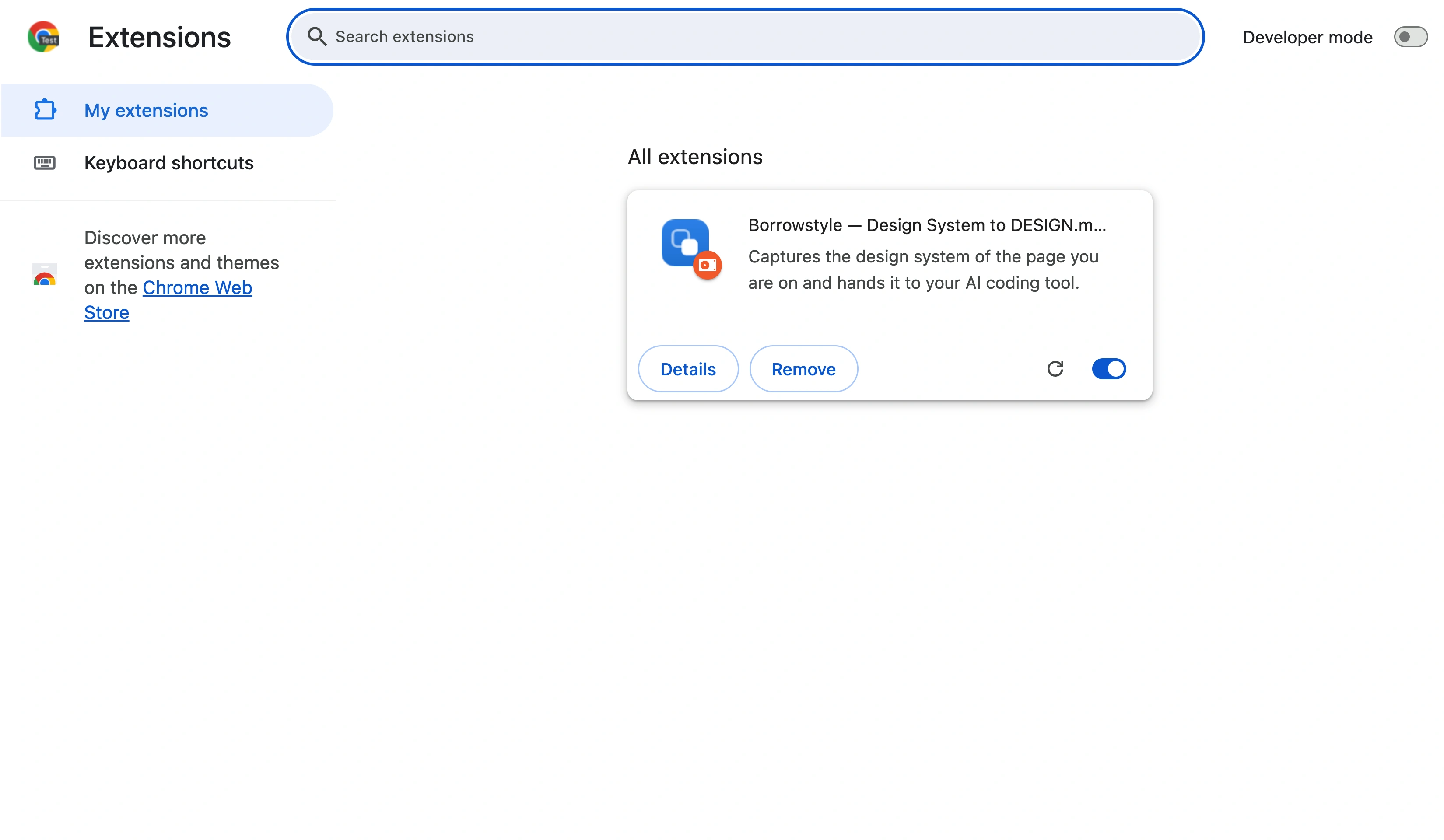
Open chrome://extensions
Type chrome://extensions into the address bar and press Enter.
3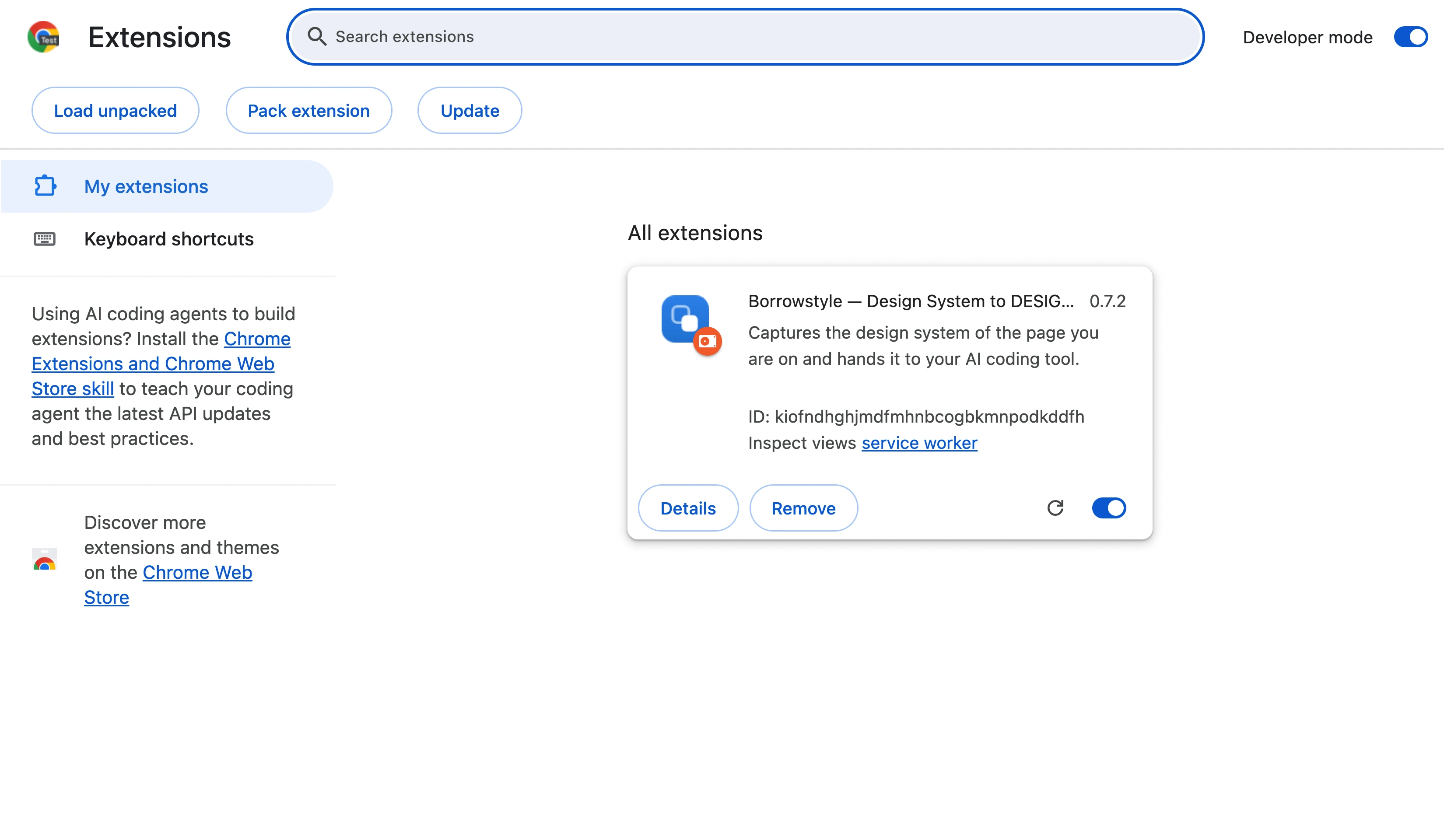
Turn on Developer mode
Use the switch at the top right. Three new buttons appear.
4
Click Load unpacked
Choose the unzipped Borrowstyle folder (the one with manifest.json inside). Borrowstyle appears in your extensions; pin it, open any site and click the icon.